
(Review) iKan Tourbox Photo & Video Editing Console
There are a number of options for editing consoles out there for photo and video editing. I’ve tested quite a few, all with their own strengths as well as weaknesses. Some consoles are geared more toward photography editing, some video, and some excel at both. Here’s a quick rundown of the ones I’ve used…..
The variety of button sizes and shapes is one of my favorite design choices.
Taken with Nikon Z6 + Nikkor 60/2.8G Micro
There are a number of options for editing consoles out there for photo and video editing. I’ve tested quite a few, all with their own strengths as well as weaknesses. Some consoles are geared more toward photography editing, some video, and some excel at both. Here’s a quick rundown of the ones I’ve used, from lowest to highest in price:
Contour Design Shuttle-xPress ($60) – (Photo & Video) Good for what it is. Limited controls and not much cheaper than its bigger brother…
Contour Design Shuttle Pro ($99) – (Photo & Video) only $40 more than the xPress but significantly more buttons and controls. It’s also more ergonomic, with a nice mouse-like shape that fits well to the hand. Unfortunately, I do not much care for the actual control layout; there are only three types buttons – of which nine are identical in size and shape. This makes it very difficult to remember what does what and the learning curve to get accustomed to it is not pleasant. But, if your budget caps at 100 bucks, this is the one to get.
iKan Tourbox ($169) – (Photo & Video) the topic of this review and very much worth the extra $70 over the Shuttle Pro.
Loupedeck+ Photo & Video Console ($249) – Much larger than the prior three: about the size of a desktop keyboard. This isn’t bad per se – it allows for a lot of controls (buttons, dials, keys, wheels) and therefore a lot of quick adjustment points. Downside is that almost every control is labeled (aside from some function keys along the top). You can customize every control if you want, but they’re still labeled. I suppose you could tape some labels over them (there’s definitely space to do so). Some may see this as a positive and it certainly is if you plan to use the pre-sets as-is. Unfortunately, when I bought one, it would not work with Camera Raw, so it was returned. From what I understand, it now does work with ACR. Build quality also isn’t quite what you’d hope at its price point – dials/controls and overall build quality feels rather hollow and cheap.
Palette ($329-$729) – The Palette has a really interesting modular design, where you can buy the basic panel which has a number of controls, and then purchase additional “blocks” or “squares” to add to it (they’re magnetic). Unfortunately, I didn’t get a lot of time with this one, though it did strike me as expensive for the number of controls - the $329 Traveler Console has 4 modules: 3 sliders, 3 dials, and what seems to be five buttons. HOWEVER, their website indicates up to 270 functions in this set. I’m actually going to look into this further because the Traveler at $329 or the Studio Console at $429 seem like a great set-ups, though there is a new fly in the ointment near those price points:
I recently learned of Loupedeck’s new Creative Tool (aka Loupedeck CT), which clocks in at $549, but looks to be a thing of beauty. Reviews I’ve read have been very positive and the product photos and description promise a very, very handy piece of kit. I’m not pulling the trigger on it anytime soon, but it may be an option for others to consider.
There are a number of other options out there, many of which are geared either mostly or entirely toward video (Tangent Ripple, Blackmagic Micro Panel). The best options for photography (which also work for video) are the two Contour products, the Tourbox, and the Loupedeck+ - and potentially the Palette systems, which I am going to look into further, though I’m leaning toward the Loupedeck CT as far as a more comprehensive console goes.
The Tourbox sits pretty much right in the middle (price wise) of the Loupedeck+ and Contours. And of those options, it is the only one that I would enthusiastically recommend. The Palettes and Loupedeck CT may well be on another level, but I’d hope so at more than 2-3x the price.
Unlike all of the others above (as far as I know), Tourbox has a rather unique (and exciting) history. The company was first launched in November 2016 and developed the console over the course of two years. In October of 2018, they launched a Kickstarter campaign to crowdfund the project – by Thanksgiving the campaign had ended, successfully, with 1,810 backers and about $160,000. By July of 2019, they had delivered the product all over the world. I have to admire not only their success, but their speed and quality (for the most part) engineering.
Upon unboxing, the first thing you’ll notice is the rather svelte box and packaging. Everything is inside an all-black box, surrounded by form-fitted rubberish foam. Inside is another black box, which contains the Tourbox console itself – the cables* and manual are in their own separate division of the foam.
*The Tourbox has both USB-A and USB-C ports for connectivity. It comes with a USB-A to USB-C cable, though I swapped that out for a USB-C to USB-C cable. To use the console, you must plug into the USB-C port – the USB-A port is for pass-through only (“used to connect with other PC peripherals” per the User Manual). This is why I swapped the cable for a straight USB-C to USB-C, as my Macs have Thunderbolt ports. I can’t say I use the pass-through feature, but it is an appreciated touch nonetheless.
The second thing you’ll notice is the heft and density of the console itself. Not only does this elicit the feel of a quality build, it also ensures the unit doesn’t slide around in use. Additionally, the surface is a soft, rubbery texture, which is both pleasant to the touch and alleviates the potential for unintentional movement. The downside is that it’s prone to acting as a dust magnet, especially since it is black. However, I haven’t actually found this to be an issue in practice – a quick blast from a can of duster every once in a while takes care of it.
The layout of the dials and buttons is exceptionally nice, especially because very few of them are the same shape (only the up/down/left/right and two side-by-side buttons are identical). So, unlike the Contour, with its nine identically sized and shaped buttons, it’s incredibly easy to remember the function of each button as well as navigate the controls without taking your eyes off the monitor.
Center knob dial.
Taken with Nikon Z6 + Nikkor 60/2.8G Micro
There are seven distinct buttons, plus the four directional ones, along with a knob-dial in the center, a flat wheel-dial in the bottom left, and a scrolling wheel in the top left (which also acts as a button if you push down – like a mouse). That’s a total of twelve buttons and three dials/wheels: fifteen separate control points. However, that’s the tip of the iceberg regarding the number of assignable functions since you can program actions for pressing two buttons at once, or double clicking the same button, or even pressing three buttons simultaneously.
As with everything, not all is roses. Firstly, I would have preferred the buttons and dials to be a light grey (or the surface to be grey and the dials black). As it is, everything is solid black*, which makes controls less visually distinct than they really ought to be; fortunately, they are all ergonomically different enough that you needn’t glance at them very often. The learning curve is significantly lesser than any other console I’ve used largely because of this.
*This is actually rather interesting because the Kickstarter campaign is filled with photos of what I assume are prototypes and they are WHITE with a few dials have just a slight shade of gray. And, honestly, the white looks much better; in practice, I feel it would work better as well – white is more visible and doesn’t obscure the depth differentials of the knobs/dials and the surface like the black.
The two biggest flaws are the main center dial and the flat wheel-dial, both of which feel very plasticky and cheap with essentially no resistance. The top scroll wheel is nice and smooth with sufficient damping, so I’m not sure what the thinking was behind the other two. The issue isn’t so much the plasticky construction, but rather that they have zero haptic feedback. Since they lack any sort of damping or click points, if you’re overeager in turning them, you’ll probably overshoot your target for whatever the function is (e.g. increase/decrease brush size).
Bottom left, “wheel dial” that turns with zero resistance or haptic feedback.
Taken with Nikon Z6 + Nikkor 60/2.8G Micro
The second issue is the action of some (not all) of the buttons when set to double-click; clicking two buttons at once isn’t an issue most of the time, however double-clicking a single button often registers as two single clicks. You have to be incredibly quick with your finger, otherwise you’ll just end up performing two actions of whatever the button does on a single click. I suspect this might get a bit better with time and practice, though either way the buttons are undoubtedly too sensitive – significantly more so than double-clicking your average mouse.
Fortunately, that’s about it when it comes to the negatives. Those aren’t insignificant by any stretch (especially the double-clicking issue), but given what this little console can accomplish – and its price point – they certainly don’t overshadow the positives.
The software is very simple to use, unlike some other consoles I’ve tried. It has built-in presents for programs like Photoshop and Lightroom, but I ended up re-customizing pretty much every function to my own liking. There was no preset for Adobe Camera Raw, but I’m happy to report that you can easily add any program you want (at least that I’ve tried) and customize the controls. The only niggle with the software is that it doesn’t automatically switch when you move from program to program; going from ACR to Photoshop, for example, requires you to open the Tourbox software and click over to the Photoshop presets. Not a big deal, but it should be rather simple for it to detect the active program and jump to the proper preset on its own. I would think a software update could easily address this.
Some of these may seem like major complaints at times, but they really aren’t when you consider a) the price, b) the totality of features and customizability, and c) that this was a crowdfunded project engineered in less than two years.
I’d love to see a Version 2: preferably white with grey buttons/dials; certainly fix the cheap feeling center and bottom left dials (add some resistance, maybe even some click-points like a mouse’s scroll wheel); reduce the sensitivity of the buttons for double-clicking or clicking multiple buttons at once.
Top left scroll wheel that feels and operates like a mouse scroll.
Taken with Nikon Z6 + Nikkor 60/2.8G Micro
It could even be slightly larger (an inch wider on each side would be just fine) to add two or three more dials or knobs. I’d definitely appreciate a second clickable scroll wheel and another knob.
Ultimately, though, that’s not a lot to complain about. Especially not for $169.
Find here at Amazon.
Visit their website here.
About My Reviews & This Site
First of all, thank you for visiting my new site. As noted above, it is still under construction but should be fully functional shortly.
This is site is centered around photography (and some videography/cinematography). The main types of content you will find here are:
1) Gear reviews (e.g. lenses, cameras, tripods, etc.)
2) Informational articles about photography (e.g. shooting technique or post-processing in ACR & Photoshop)
3) "Musings" or general thoughts about photography and the camera industry.
4) Articles that are more nebulous in nature (for example, I'm working on one about Cinema vs. Stills Photography) - I guess these could be called "philosophical" articles.
First of all, thank you for visiting my new site. As noted above, it is still under construction but should be fully functional shortly.
This is site is centered around photography (and some videography/cinematography). The main types of content you will find here are:
1) Gear reviews (e.g. lenses, cameras, tripods, etc.)
2) Informational articles about photography (e.g. shooting technique or post-processing in ACR & Photoshop)
3) "Musings" or general thoughts about photography and the camera industry.
4) Articles that are more nebulous in nature (for example, I'm working on one about Cinema vs. Stills Photography) - I guess these could be called "philosophical" articles.
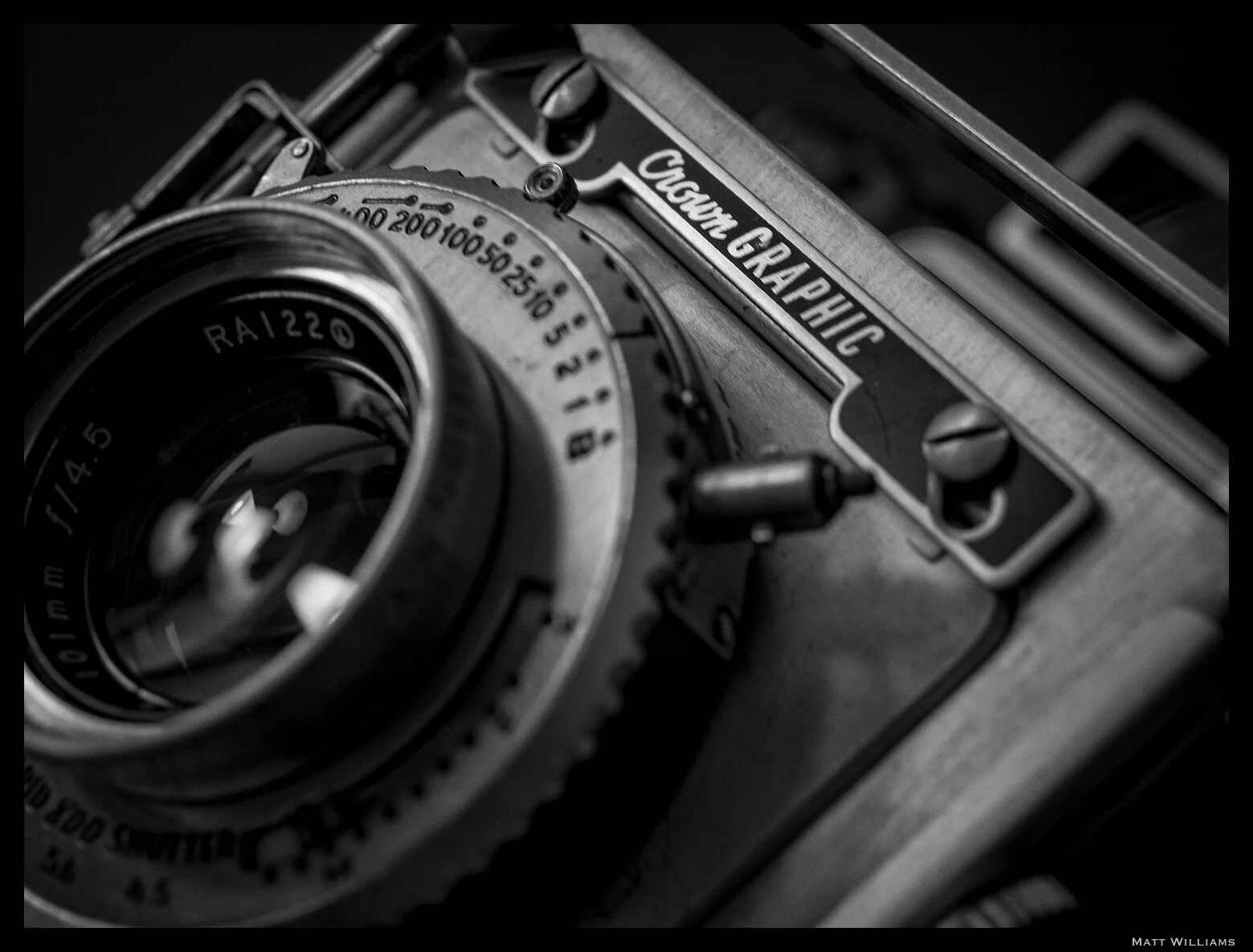
Graflex Crown Graphic
Olympus OM-D E-M5 w/ an Olympus 30/3.5 Macro
Given the volatility often seen in the comments and forums of gear related sites, I figured I’d get a few things out of the way up front about how I approach my reviews and why I do or do not include certain things a person may be accustomed to if they read other sites. For example, I don’t shoot test charts or brick walls*. If I did, I certainly wouldn’t post the pictures.
*Ok, sometimes I shoot brick walls as they are an easy and quick way to gauge certain optical flaws with lenses and rule out (or confirm) sample variation for my own testing purposes. The fact that I have to walk ten feet to get to a brick wall is helpful too.
I’ve used, by every reasonable definition, a hell of a lot of cameras (translation: at least one camera, usually far more, from every modern manufacturer with the exception of Phase One). I am loyal to no brand beyond the investment I have in my own equipment; it is of course costly to switch an entire system. And rather pointless, given that every system has both strong assets and varying deficiencies. You either work around the deficiencies, find an alternative, or invest in multiple systems.
Such shortcomings can range from lack of necessary lenses (macros, tilt shifts), to size/weight, to basic feature sets; a Fujifilm X100F probably wouldn’t be a sports photographer’s most wise choice of gear, while a Nikon D5 likely wouldn’t be the greatest pick for backpacking the Appalachian Trail.
None of this is to say I don't have my preferences in terms of UI or haptics - which generally tend to be (relatively) similar among models from the same manufacturer - but again, this has nothing to do with the name on the front. Besides, show me one person who doesn't have such preferences one way or another.
The point is: I use the gear that works for me. What works for me is not what works for everyone. I won’t tell you how well X camera does at tracking a football player because I don’t shoot sports. I don’t care what the name is on the camera; it either works for me or it doesn’t. Nothing is ever perfect, nor is anything ever absolutely worthless. I have to decide where it lands in that gray area for me; though I may certainly recommend something that doesn’t particularly work for me, but is obviously valuable for others.
I run systems across three different sensor sizes (four, if you count the iPhone). At any given time, I have lenses from at least seven or eight different manufacturers. That’s just counting non-vintage lenses (and I don't care to spend half a day counting the number of those in my arsenal). Everything is ultimately a compromise between utility, need, quality, price, and ROI (and, I admit, there is often a “want” factor that wiggles its way in there too). A lens like the Panasonic 12-32/3.5-5.6 is not a perfect – or even great – lens (it is very good, though) but it does check a lot of those boxes and ultimately adds up to a rather great investment, particularly if purchased as a loss leader within a kit.
I am both a photographer and videographer. That does not, however, mean that I will test the video capabilities of every camera. In fact, I won't test the video capabilities of most stills cameras. I have no interest in using a Nikon D850 for its video in the same way I have no interest in using a Blackmagic Pocket 6K for stills photography. If I’m going to shoot a casual video for whatever reason, I’ll just use my iPhone. A camera has to have significant enough advantages for me to consider it as a useful videography tool and therefore for me to subsequently spend time evaluating it for such use. Not to mention, my threshold for video quality is quite high and there are few stills/hybrid cameras on the market that meet those demands (though the list is ever-growing). Video remains in a very binary realm for me - either impromptu and casual (deploy the iPhone) or extremely planned and meticulous (deploy a cinema camera). Exceptions, of course, exist.
Lastly: I do not post full-resolution photos because I've had far too many instances of image theft, even just via personal social media. Exceptions may be made in A-to-B comparison (i.e. X lens vs. Y lens) reviews.
Ishimoto Blog:
Integer posuere erat a ante venenatis dapibus posuere velit aliquet. Fusce dapibus, tellus ac cursus commodo, tortor mauris condimentum nibh, ut fermentum massa justo sit amet risus.